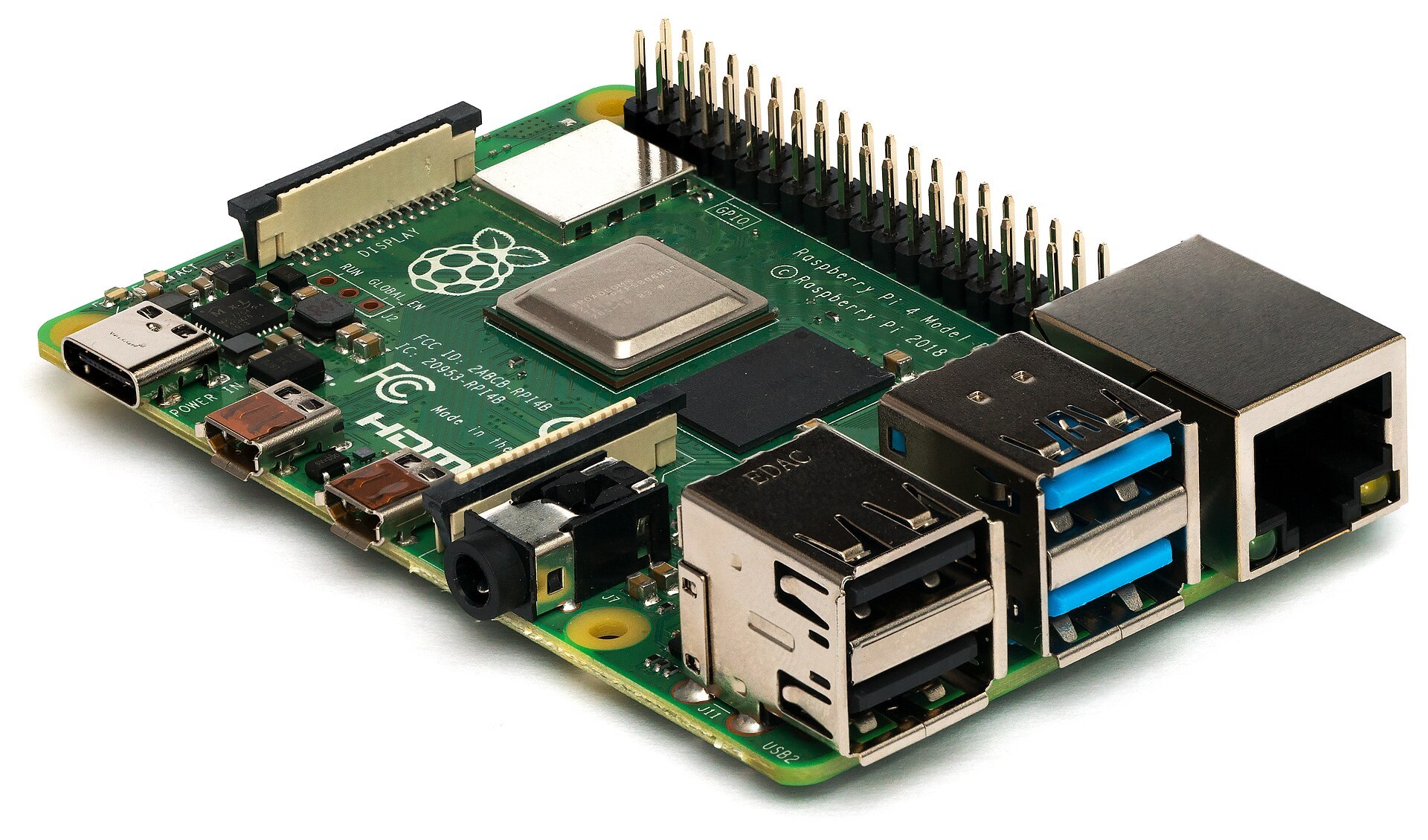

This original, AI-assisted editorial assessment is based on published documentation and buying trade-offs. We have not handled or tested a review unit. Verified refers to the source check, not measured performance. Methodology · Affiliate disclosure
Pros
- Portable design suits a bag-first workday
- MagSafe leaves USB ports available for accessories
- A practical screen size for writing and browsing
Cons
- One native external display is restrictive
- Memory and storage must be chosen before purchase
- Older stock needs careful battery and warranty checks
The appeal is focus
The M2 MacBook Air makes the most sense when a laptop is a daily companion rather than a substitute for a workstation. The buying question is not whether a newer chip exists. It is whether this configuration, at the price available to you, can handle your actual work without adding weight or complexity. For writing, studying, and browser-based work, portability can matter more than a small difference in peak performance.
Our assessment is based on Apple’s published specifications and the trade-offs they imply. We have not measured performance, battery endurance, temperature, or display accuracy on a review unit. In particular, an advertised battery figure should not be treated as a promise for your mix of video calls, applications, and brightness settings.
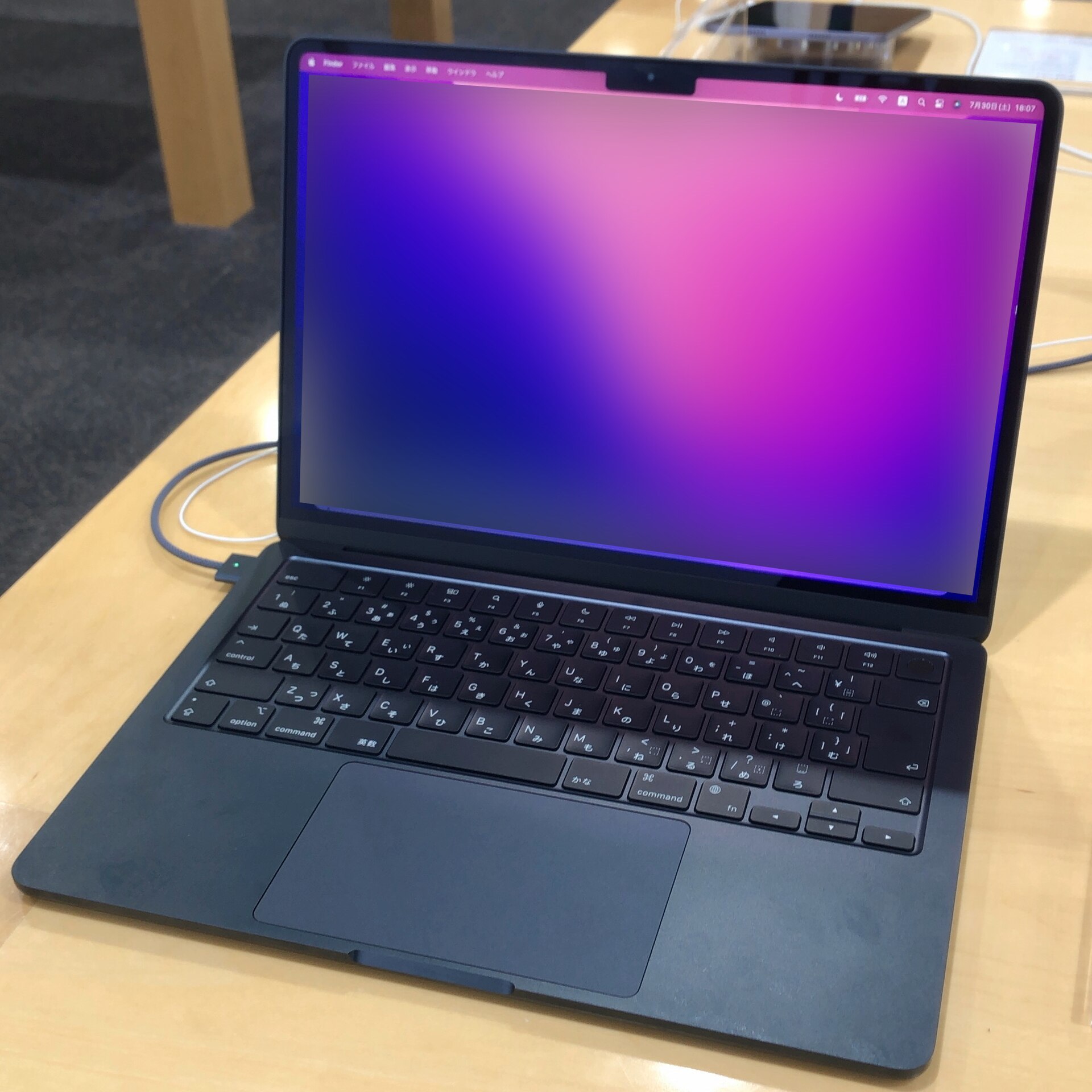
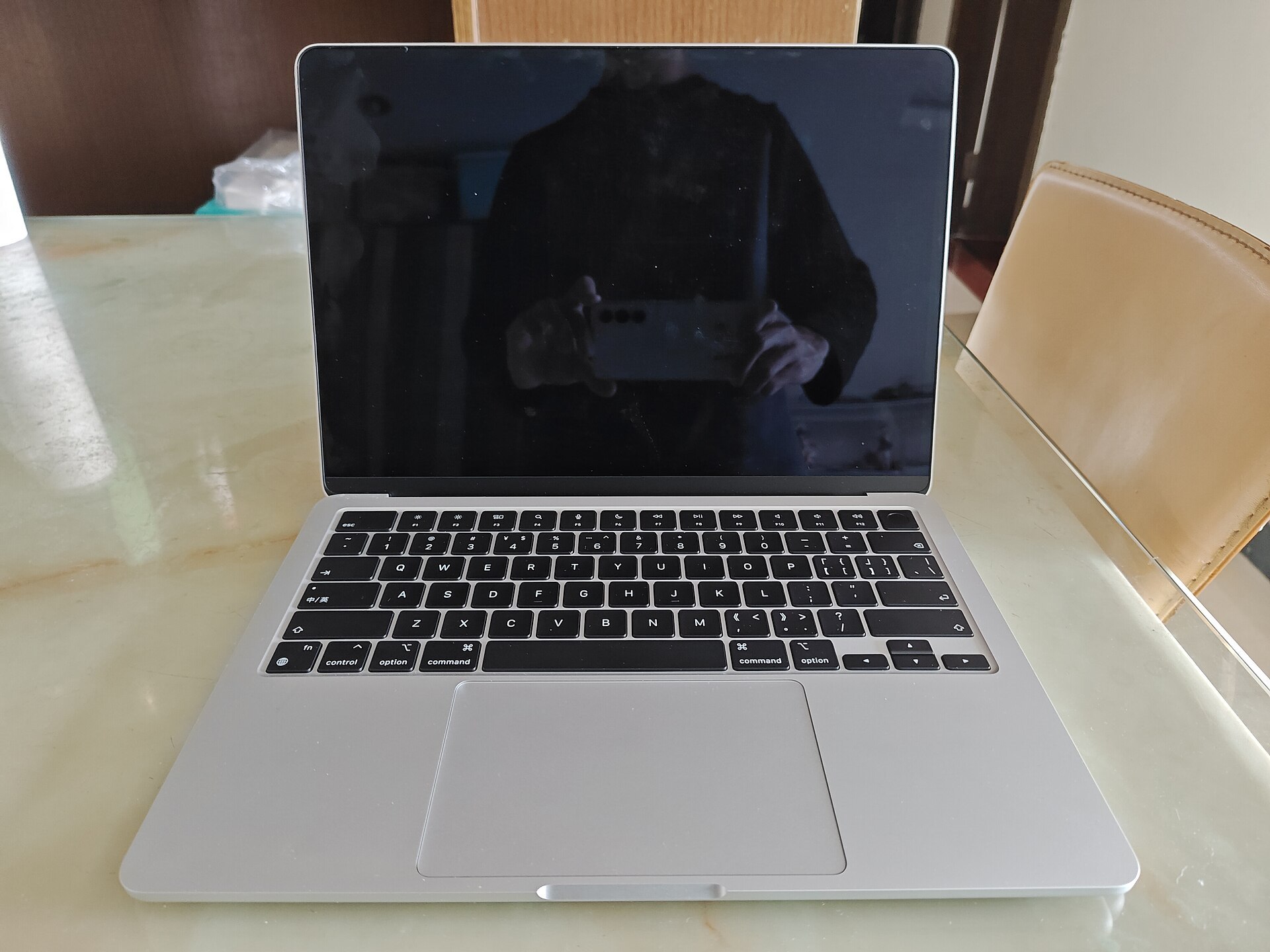
MacBook Air (A2681) front.jpg — メイド理世 · CC BY-SA 4.0. Proportional display; no substantive edits.
A useful size, with limits at the desk
The 13.6-inch display and 1.24 kg weight put this machine in a comfortable middle ground between a cramped travel computer and a larger desk-first laptop. If you regularly compare several documents, however, think about how you will use an external monitor. This M2 model supports one native external display. Buyers who need a two-monitor arrangement should resolve that requirement before considering a discount.
MagSafe charging is a practical detail: you can power the laptop without occupying one of its two Thunderbolt / USB 4 connections. That does not eliminate the need for a hub if your desk includes legacy accessories. Count the connections you actually use, including your monitor, before deciding whether the minimal port selection is sufficient.
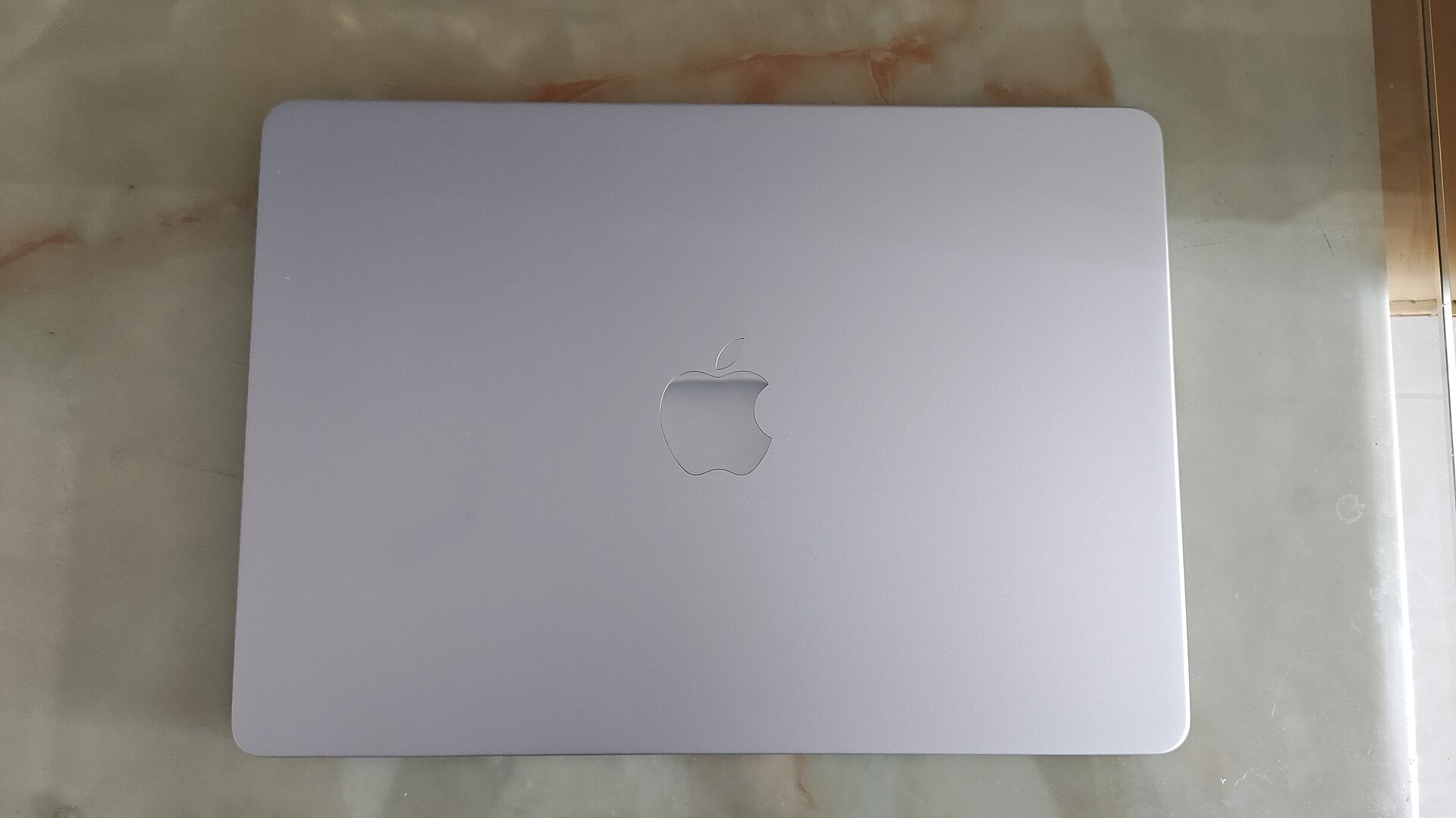
MacBook Air (A2681) rear.jpg — メイド理世 · CC BY-SA 4.0. Proportional display; no substantive edits.
Choose the configuration, then judge the price
A cheap listing is only meaningful when the memory, storage, condition, and warranty are known. Treat the configuration as permanent. If your usual workflow includes many browser tabs and several applications, leave memory headroom rather than paying for a cosmetic upgrade. If you work with large local libraries, add the cost of external storage and the inconvenience of carrying it.
For a used machine, ask for battery information and confirmation that the previous owner has removed account locks and device management. A clear return policy is more valuable than an unusually low headline price. Also compare an older model with a newer alternative in the same condition: a modest saving is not always enough to compensate for age or a shorter remaining useful life.
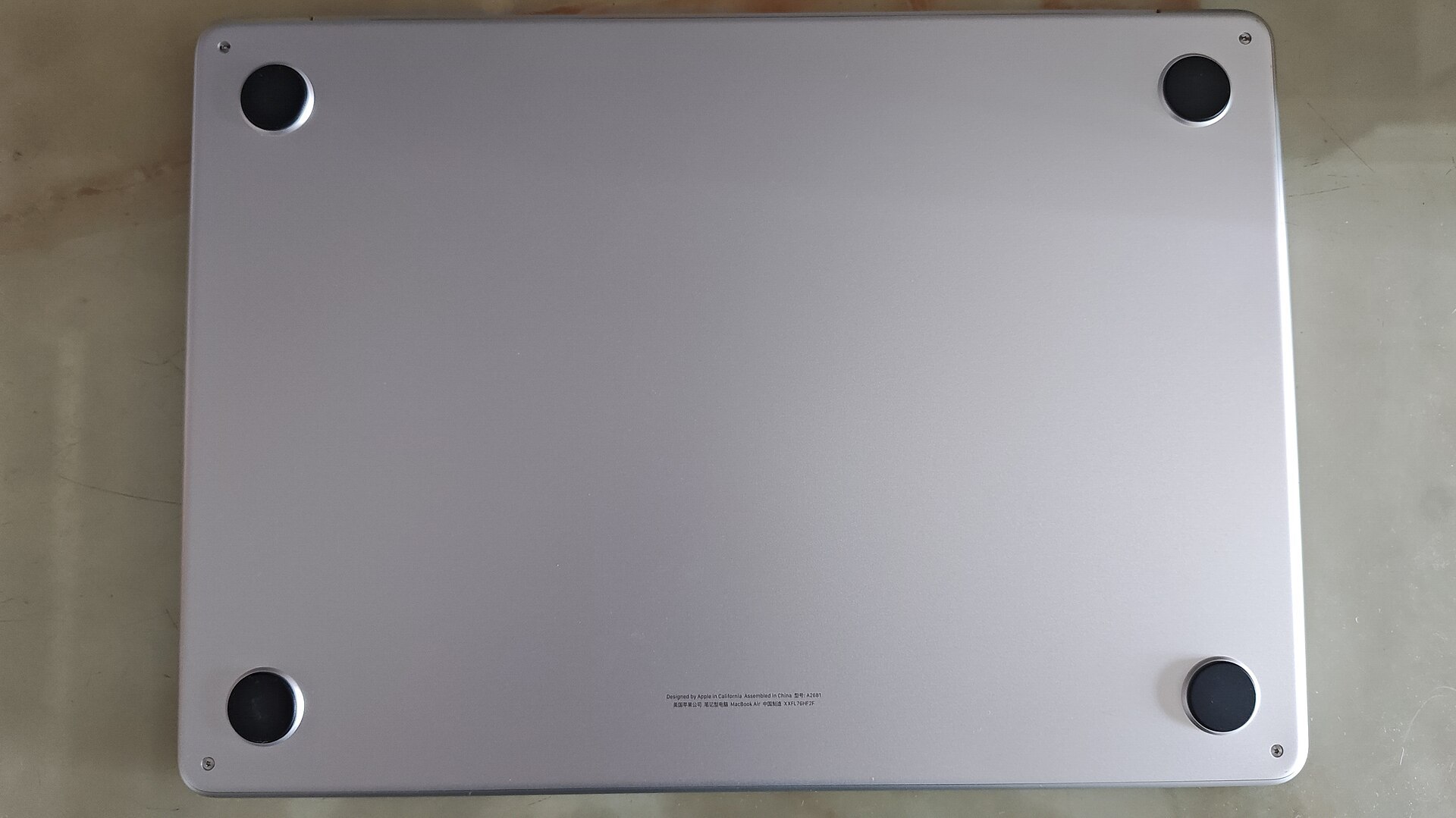
MacBook Air (A2681) Interface.jpg — メイド理世 · CC BY-SA 4.0. Proportional display; no substantive edits.
Who should buy
This is a sensible candidate for students, writers, and people whose work revolves around documents, a browser, and one external monitor. It is less attractive for buyers who need many built-in connections, multiple native external displays, or a machine selected for sustained professional rendering. Those are requirements to solve first, not inconveniences to discover after checkout.
Verdict
The M2 Air is worth considering as a deliberately chosen everyday computer, especially when a clearly documented configuration is offered with a reassuring warranty. We would prioritize enough memory, good condition, and a straightforward return process over a small saving. Buy the laptop that fits your workday; do not buy an older model simply because the discount looks large.
How to read this assessment
This assessment separates a published feature from an outcome we can actually verify. A specification describes an intended capability; it does not establish the quality of your particular unit, the reliability of a home network, or the comfort of a product during a long session. We have not tested a review sample, so the conclusion card deliberately leaves the overall score and its three components unassigned. This is more useful than giving an apparently precise number without measurements.
Before ordering, write down the three tasks that matter most and check each against the exact model being offered. Include the full ownership cost: essential accessories, replacement parts, power, and any recurring services. Compare products in the same condition with equivalent return protection. Save the listing and inspect the delivered item while you can still return it. A good buying decision should remain sensible when the excitement of a discount has worn off.
We also distinguish the product from the seller. The manufacturer’s documentation cannot verify the authenticity, storage history, or repair quality of a particular listing. Ask for the information that would change your decision and keep a record of the answer. Where that information is unavailable, uncertainty belongs in the conclusion rather than behind a confident badge.
Our recommendation is conditional on those checks. We do not treat availability in a marketplace as evidence of ongoing manufacturer support, and we do not assume that a seller’s use of the word refurbished guarantees a particular service process. Ask for the terms in writing and compare them with the alternatives before committing.
Sources & corrections
MacBook Air M2 official documentation · consulted November 29, 2026. Specifications belong to the exact generation described. Editorial judgments are ours; no benchmarks or hands-on results are implied.
Found a detail to correct? Contact our editorial desk with the article URL and supporting evidence.